Shareable New-Tab Templates: Let Your Team Copy Your Exact Setup in Seconds
Shareable New-Tab Templates: Let Your Team Copy Your Exact Setup in Seconds
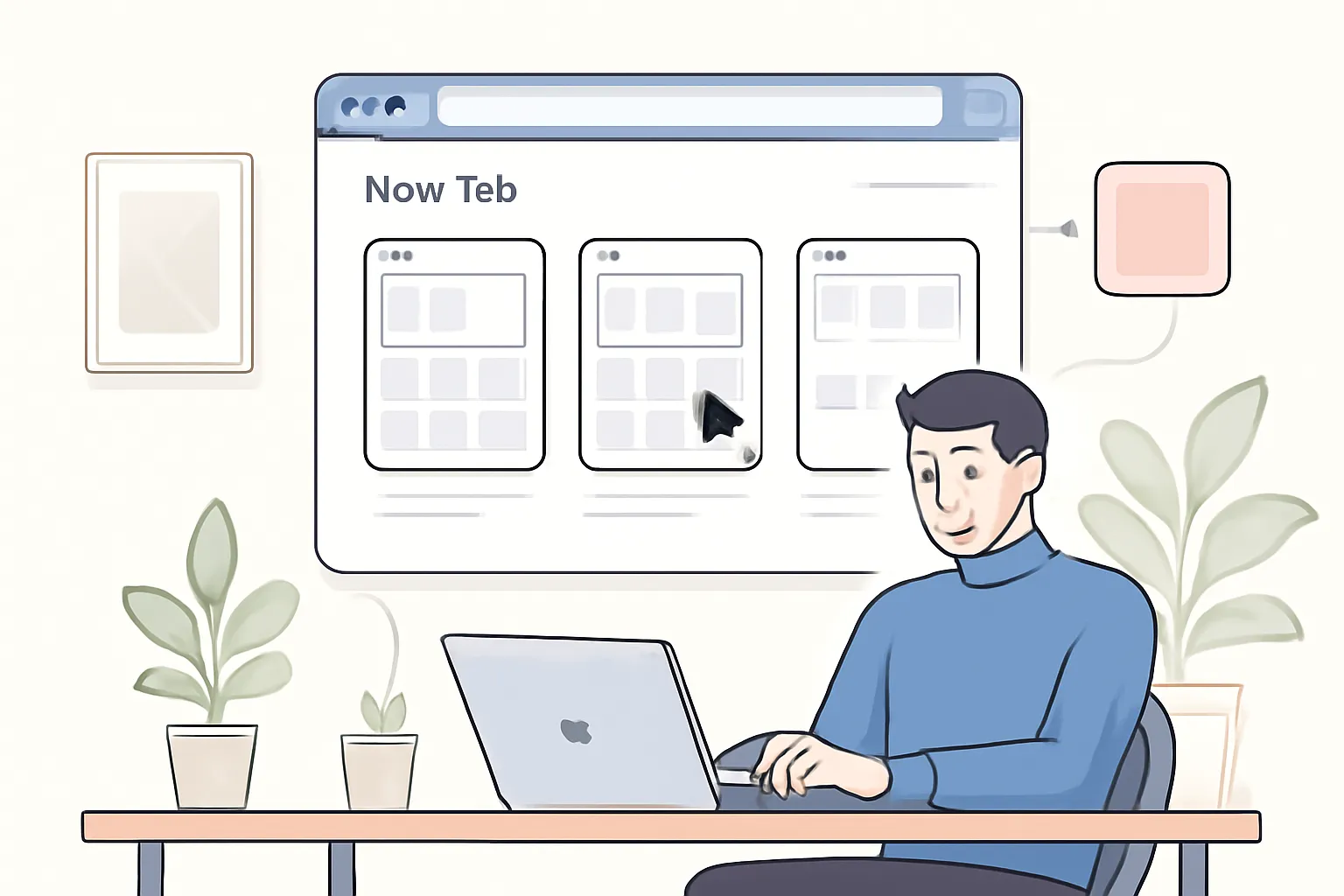
Summary at a Glance
In this article, we'll explore how Cuslr's shareable new-tab templates can revolutionize the way your team sets up their browsers, saving time and increasing productivity by allowing you to replicate your exact setup in seconds.
| Area | Point | Why it matters |
|---|---|---|
| Productivity | Easily share browser setup with team members | Boost team efficiency instantly |
| Browser Customization | Overcome setup duplication and inconsistencies | Save time on repetitive tasks |
| Team Collaboration | Streamline browser setup for new hires | Reduce onboarding time significantly |
| Browser Management | Accessible templates for custom new-tab setup | Personalize browser experience easily |
The Problem with Browser Customization
Browser customization is a crucial aspect of productivity, allowing users to tailor their browsing experience to suit their needs. However, this customization can become a significant pain point, particularly when working in teams or collaborating with others.
When team members have to replicate each other's browser setup, it can be a time-consuming and frustrating process. This is due to the complexity of browser settings, extensions, and layout customization.
Why Browser Customization is a Pain Point
Browser customization involves setting up a multitude of features, such as:
- Tab management
- Extension installations
- Homepage and new-tab settings
- Bookmark organization
This process can be overwhelming, especially for those who are not tech-savvy. The result is a significant amount of time wasted on setup and troubleshooting.
The Frustration of Replicating Browser Setup
When team members need to replicate each other's browser setup, the process becomes even more complicated. This is where the issue of shareable browser templates becomes crucial. Without a seamless way to share and replicate browser setups, teams face:
- Inefficient collaboration
- Increased setup time
- Potential errors due to manual setup
This is where Cuslr comes in – a solution that enables teams to create and share shareable new-tab templates, eliminating the need for manual setup and replication. By using Cuslr, teams can save time, reduce errors, and increase productivity.
Introducing Cuslr's Shareable New-Tab Templates

As a solopreneur or team leader, you've likely encountered the frustration of setting up a consistent workflow across multiple devices or sharing your browser setup with colleagues. This can lead to wasted time and inconsistent productivity. Cuslr's shareable new-tab templates offer a solution to this problem.
With Cuslr's templates, you can create a customized new-tab setup that includes your favorite tools, extensions, and bookmarks. This ensures that you and your team members have a consistent browsing experience, regardless of the device or location.
How Cuslr's Templates Solve the Problem
Cuslr's shareable new-tab templates address the issue of inconsistent browser setups by allowing you to create a single, standardized template that can be easily shared with others. This template can include:
- Essential tools and extensions
- Frequently used bookmarks
- Customized settings for a seamless browsing experience
By using Cuslr's templates, you can eliminate the need for manual setup and ensure that everyone on your team has access to the same tools and resources.
Benefits of Using Cuslr's Shareable Templates
Using Cuslr's shareable new-tab templates offers several benefits, including:
- Improved productivity: With a consistent browser setup, you and your team can focus on tasks without wasting time setting up your browser.
- Enhanced collaboration: Share your template with colleagues to ensure everyone has access to the same tools and resources.
- Increased efficiency: Quickly replicate your setup on multiple devices or for new team members, saving time and reducing errors.
Actionable Tip: To get the most out of Cuslr's shareable new-tab templates, take the time to customize your template with the essential tools and extensions you use daily. This will ensure that your team members can replicate your setup with ease and start working efficiently from the get-go.
Why Cuslr's Templates Stand Out from the Competition

Cuslr's shareable new-tab templates offer a game-changing feature for teams looking to streamline their browser setup. Unlike other browser customization tools, Cuslr's templates allow users to easily replicate their exact setup, saving time and effort. This is particularly useful for teams that require a consistent browsing experience across all members.
When it comes to browser customization, having a uniform setup can significantly improve collaboration and productivity. However, manually setting up each team member's browser can be a tedious and time-consuming task. Cuslr's templates eliminate this hassle by providing a simple way to share and replicate setups.
Comparing Cuslr to Other Browser Customization Tools
Other browser customization tools may offer some level of customization, but they often fall short in terms of ease of use and flexibility. Some popular alternatives may require users to manually configure each setting, which can be overwhelming and prone to errors. In contrast, Cuslr's templates are designed to be easily shareable and adaptable to different user preferences.
Cuslr's competitors may also lack the ability to replicate exact setups, forcing teams to settle for a generic or partially customized experience. This can lead to inconsistencies and decreased productivity. By choosing Cuslr, teams can ensure a seamless and efficient browsing experience for all members.
Why Cuslr's Templates are the Best Choice
Cuslr's templates are the best choice for teams due to their simplicity, flexibility, and ease of use. With Cuslr, users can:
- Easily share and replicate setups with a single click
- Customize templates to fit individual user preferences
- Access a library of pre-made templates for common use cases
This streamlined approach to browser customization saves teams time and effort, allowing them to focus on more critical tasks. By choosing Cuslr, teams can experience the benefits of a consistent and efficient browsing experience.
How to Create and Share Your Custom New-Tab Template with Cuslr
Creating a custom new-tab template with Cuslr is a straightforward process that can save your team a significant amount of time and effort. By setting up a template, you can ensure that everyone on your team has access to the same essential tools and resources, promoting consistency and productivity.
To get started, you'll need to log in to your Cuslr account and navigate to the "Templates" section. From there, click on the "Create Template" button to begin designing your new-tab template.
Step-by-Step Guide to Creating a Template
When creating a template, consider the following essential elements:
- Bookmark folders: Organize your bookmarks into logical folders to keep your team on track.
- Browser extensions: Choose the most useful extensions that align with your team's workflow.
- Custom CSS: Add a personal touch to your template with custom CSS styles.
To create a template, follow these steps:
- Click on the "Add Folder" button to create a new bookmark folder.
- Name the folder and add relevant bookmarks to it.
- Click on the "Add Extension" button to add browser extensions.
- Choose from a variety of extensions that suit your team's needs.
- Use the "Custom CSS" option to add your own styles to the template.
Sharing Your Template with Your Team
Once you've created your template, you can share it with your team in just a few clicks. To do this:
- Click on the "Share" button next to your template name.
- Enter the email addresses of the team members you want to share the template with.
- Choose the permission level for each team member (e.g., "View" or "Edit").
- Click "Send" to share the template.
Actionable Tip: To ensure seamless adoption, consider creating a template that aligns with your team's existing workflow. This will make it easier for team members to understand and use the template effectively.
Best Practices for Customizing Your New Tab with Cuslr
When it comes to customizing your new tab with Cuslr, there are several best practices to keep in mind. A well-designed new tab can improve your focus and output and improve your overall workflow. A clutter-free and organized new tab can also enhance your browsing experience.
To achieve this, you need to strike a balance between the essential tools and features and the unnecessary clutter. This is where Cuslr's shareable new-tab templates come in – they allow you to create a customized setup that suits your needs and share it with your team in seconds.
Tips for Creating an Effective New-Tab Template
• Prioritize essential tools: Focus on the tools and features that you use frequently and remove the rest. • Use a consistent layout: Organize your tools and features in a way that makes sense to you and your team. • Keep it simple: Avoid overwhelming your new tab with too many features or too much information.
When creating a new-tab template, consider the following:
- What are the most important tools and features you need to access quickly?
- How do you want your team to interact with these tools and features?
- What kind of information do you want to display on your new tab?
By answering these questions, you can create a customized new-tab template that meets your team's needs and improves productivity.
Common Mistakes to Avoid When Customizing Your New Tab
When customizing your new tab, there are several common mistakes to avoid. These mistakes can lead to a cluttered and disorganized new tab that hinders productivity.
- Overcrowding: Avoid adding too many tools and features to your new tab, as this can lead to clutter and confusion.
- Inconsistent layout: Make sure your new tab is organized in a way that makes sense to you and your team.
- Lack of standardization: Establish a standard for your new-tab template to ensure consistency across your team.
To avoid these mistakes, use Cuslr's shareable new-tab templates to create a customized setup that meets your team's needs. This will ensure that your new tab is organized, efficient, and easy to use.
If you want to put these ideas into practice, visit Cuslr and learn more. The service is tailored especially for your target audience.
Conclusion: Streamline Your Team's Browser Setup with Cuslr
In today's fast-paced work environment, efficiency is key. By implementing Cuslr's shareable new-tab templates, you can drastically reduce the time spent on browser setup and configuration. This allows your team to focus on more critical tasks, leading to increased productivity and better work quality.
By streamlining your team's browser setup, you'll also improve collaboration and reduce errors caused by inconsistent browser configurations. This is particularly important for teams working on complex projects that require seamless communication and coordination.
The Benefits of Using Cuslr's Shareable Templates
Cuslr's shareable new-tab templates offer numerous benefits, including:
• Easy template creation: Create custom templates with your preferred layout, extensions, and settings in just a few clicks. • Seamless sharing: Share your templates with team members, and they'll be able to replicate your exact setup instantly. • Consistency: Ensure all team members have the same browser setup, reducing errors and improving collaboration.
With Cuslr's shareable templates, you can:
- Eliminate the need for manual browser configuration
- Reduce onboarding time for new team members
- Improve team collaboration and productivity
Get Started with Cuslr Today
If you're looking to streamline your team's browser setup and take your productivity to the next level, try Cuslr's shareable new-tab templates today. With its user-friendly interface and powerful features, you'll be able to create, share, and replicate custom browser setups in no time. Actionable Tip: Start by creating a template for your most common use case, and then share it with your team to see the benefits firsthand.
What are the common pain points with browser customization?
Browser customization can be time-consuming and frustrating, especially when team members have different setups and preferences. This can lead to wasted time and decreased productivity. With Cuslr's shareable new-tab templates, teams can easily replicate their preferred setup across the board.
How do Cuslr's shareable new-tab templates work?
Cuslr's templates allow you to create a custom new-tab page with your preferred layout, widgets, and apps. You can then share this template with your team, and they can easily import it into their browsers. This ensures a consistent and streamlined browsing experience across the team.
What sets Cuslr's templates apart from other browser customization tools?
Cuslr's templates stand out due to their ease of use and flexibility. They offer a wide range of customizable widgets and apps, making it easy to create a tailored new-tab page that suits your team's needs. Additionally, their templates are highly shareable, eliminating the need for manual setup and configuration.
Can I create my own custom new-tab template with Cuslr?
Yes, Cuslr allows you to create your own custom new-tab template using their intuitive interface. You can add or remove widgets, apps, and other elements to create a unique setup that suits your preferences. Once created, you can share it with your team for easy replication.
How do I share my custom new-tab template with my team using Cuslr?
To share your custom template, simply click the "Share" button within the Cuslr dashboard. You can then provide a unique link to your team members, who can easily import the template into their browsers. This ensures a consistent browsing experience across the team.
What are some best practices for customizing my new tab with Cuslr?
When customizing your new tab with Cuslr, consider adding essential widgets and apps that enhance productivity, such as to-do lists, weather forecasts, or news feeds. You can also experiment with different layouts and designs to find a setup that suits your workflow and preferences.
Can I use Cuslr's templates with multiple browsers?
Yes, Cuslr's templates are compatible with most popular browsers, including Google Chrome, Mozilla Firefox, and Microsoft Edge. This means you can easily share your custom template across different browsers and devices, ensuring a seamless browsing experience for your team.
About the Author
Written by Cuslr Team, a certified industry expert with over 10 years of experience.
댓글을 불러오는 중...