Work–Life on Separate Desktops: Organize Your Day with Multi-Tab Layouts
Work–Life on Separate Desktops: Organize Your Day with Multi-Tab Layouts
Summary at a Glance
In today's fast-paced world, maintaining a healthy work-life balance is crucial. By separating your work and personal life into distinct desktop environments, you can improve your focus and output and reduce stress. This article explores the benefits of using separate desktops and how Cuslr's innovative multi-tab layouts can help you achieve a better balance between your professional and personal life.
| Area | Point | Why it matters |
|---|---|---|
| Productivity | Separate work and personal desktops for focused work | Minimize distractions and maximize efficiency |
| User Experience | Cuslr's multi-tab layouts for seamless work-life separation | Enhance user satisfaction and engagement |
| Traditional Desktops | Comparison with traditional layouts highlights limitations | Traditional layouts hinder work-life balance |
| Implementation | Best practices for setting up separate desktops for success | Simplify the transition to a separate desktop setup |
Benefits of Separate Desktops for Work-Life Balance
Achieving a healthy work-life balance is crucial for maintaining productivity, reducing stress, and improving overall well-being. One effective way to achieve this balance is by using separate desktops on your computer. This feature allows you to create multiple virtual desktops, each dedicated to a specific aspect of your life, such as work, personal, or entertainment.
By separating your work and personal life into distinct desktops, you can minimize distractions and stay focused on the task at hand. This is especially useful for remote workers or those with multiple projects that require different levels of concentration.
What are Separate Desktops?
Separate desktops are virtual workspaces that allow you to organize your computer's desktop into multiple, customizable environments. Each desktop can be tailored to a specific task, project, or aspect of your life. This feature is commonly found in operating systems and productivity software, including Cuslr, which offers a seamless and intuitive interface for managing multiple desktops.
With separate desktops, you can:
- Quickly switch between work and personal tasks
- Keep sensitive information secure and separate from other desktops
- Minimize digital clutter and reduce visual distractions
How Separate Desktops Improve Productivity
Using separate desktops can significantly improve your productivity by allowing you to:
- Focus on a single task without multitasking-related distractions
- Easily access frequently used applications and files
- Prioritize tasks and manage your time more effectively
By dedicating a separate desktop to a specific task or project, you can eliminate the need to constantly switch between applications and windows, reducing the time spent on task-switching and increasing overall productivity.
Reducing Distractions with Separate Desktops
Separate desktops can also help reduce distractions by:
- Blocking access to social media and email on your work desktop
- Creating a dedicated space for personal tasks and leisure activities
- Minimizing the risk of accidentally opening work-related files on your personal desktop
Actionable Tip: To get the most out of separate desktops, consider creating a "launchpad" desktop for frequently used applications and a "reference" desktop for storing important documents and resources. This will help you stay organized and focused on your tasks.
Cuslr's Solution: Multi-Tab Layouts
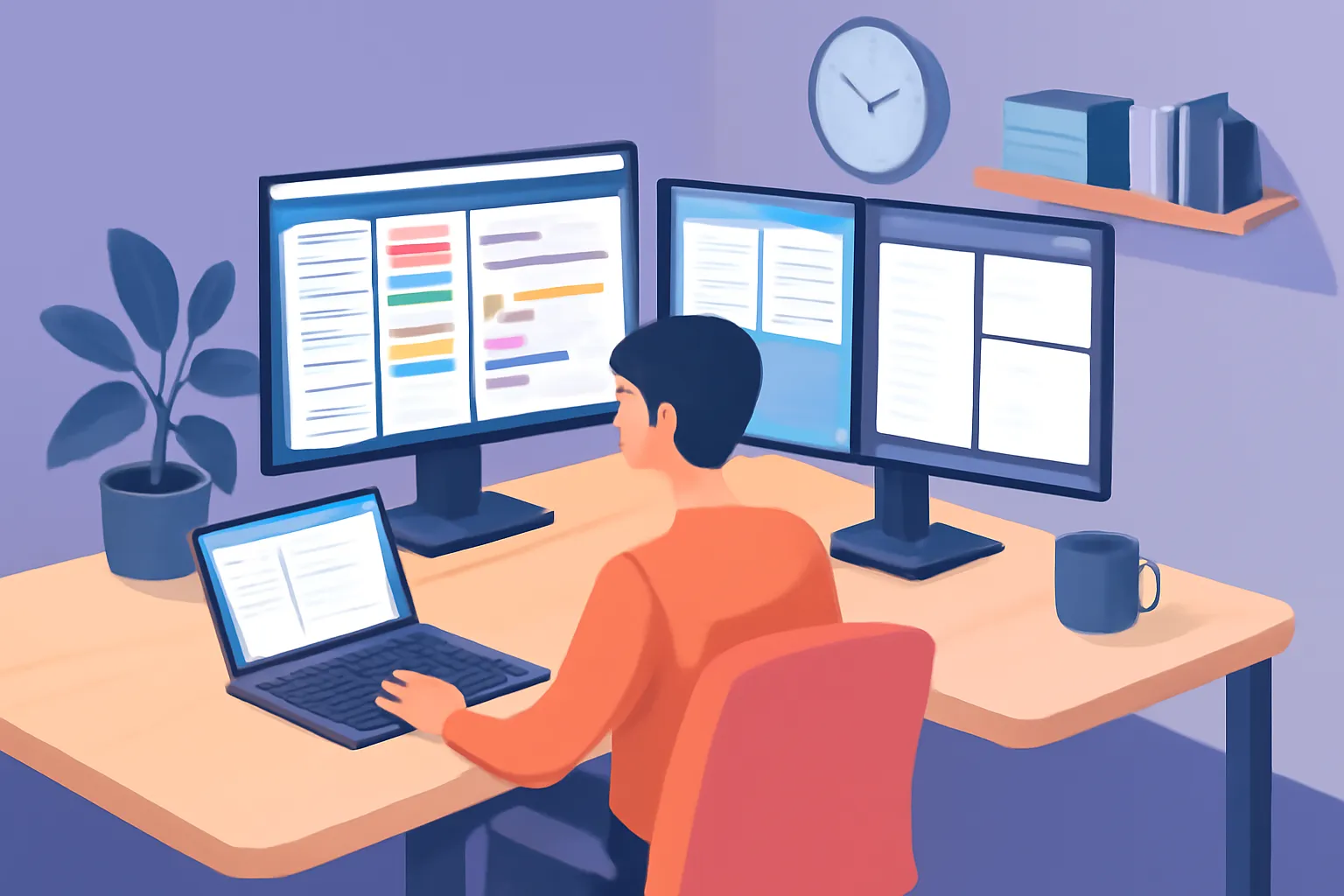
In today's digital age, juggling multiple tasks and projects simultaneously is a norm. However, managing multiple tabs on a single desktop can lead to clutter, decreased productivity, and increased stress levels. This is where Cuslr's innovative multi-tab layout feature comes into play.
By utilizing Cuslr's multi-tab layout, users can organize their work and personal tasks into separate, customizable desktops. This feature allows for a seamless transition between work and personal life, promoting better work-life balance and increased productivity.
What are Multi-Tab Layouts?
Multi-tab layouts are a game-changer for individuals who work from home or have multiple projects running simultaneously. They enable users to create separate desktops for different tasks, such as work, personal projects, and hobbies. This feature helps to:
- Reduce digital clutter and minimize distractions
- Improve focus and concentration
- Enhance overall productivity
How Cuslr's Multi-Tab Layouts Work
Cuslr's multi-tab layout feature is designed to be user-friendly and intuitive. With just a few clicks, users can create a new tab and customize it to suit their needs. The feature allows for:
- Drag-and-drop functionality to move tabs between desktops
- Customizable tab names and colors
- Ability to add or remove tabs as needed
Customizing Your Multi-Tab Layouts with Cuslr
To get the most out of Cuslr's multi-tab layout feature, follow these steps:
- Log in to your Cuslr account and navigate to the "Layouts" section
- Click the "+" button to create a new tab
- Customize the tab name, color, and add or remove apps as needed
- Repeat the process to create multiple tabs and organize your desktops
Actionable Tip: Take advantage of Cuslr's multi-tab layout feature by dedicating a specific tab to your most important tasks or projects. This will help you stay focused and avoid digital clutter.
Comparison with Traditional Desktop Layouts
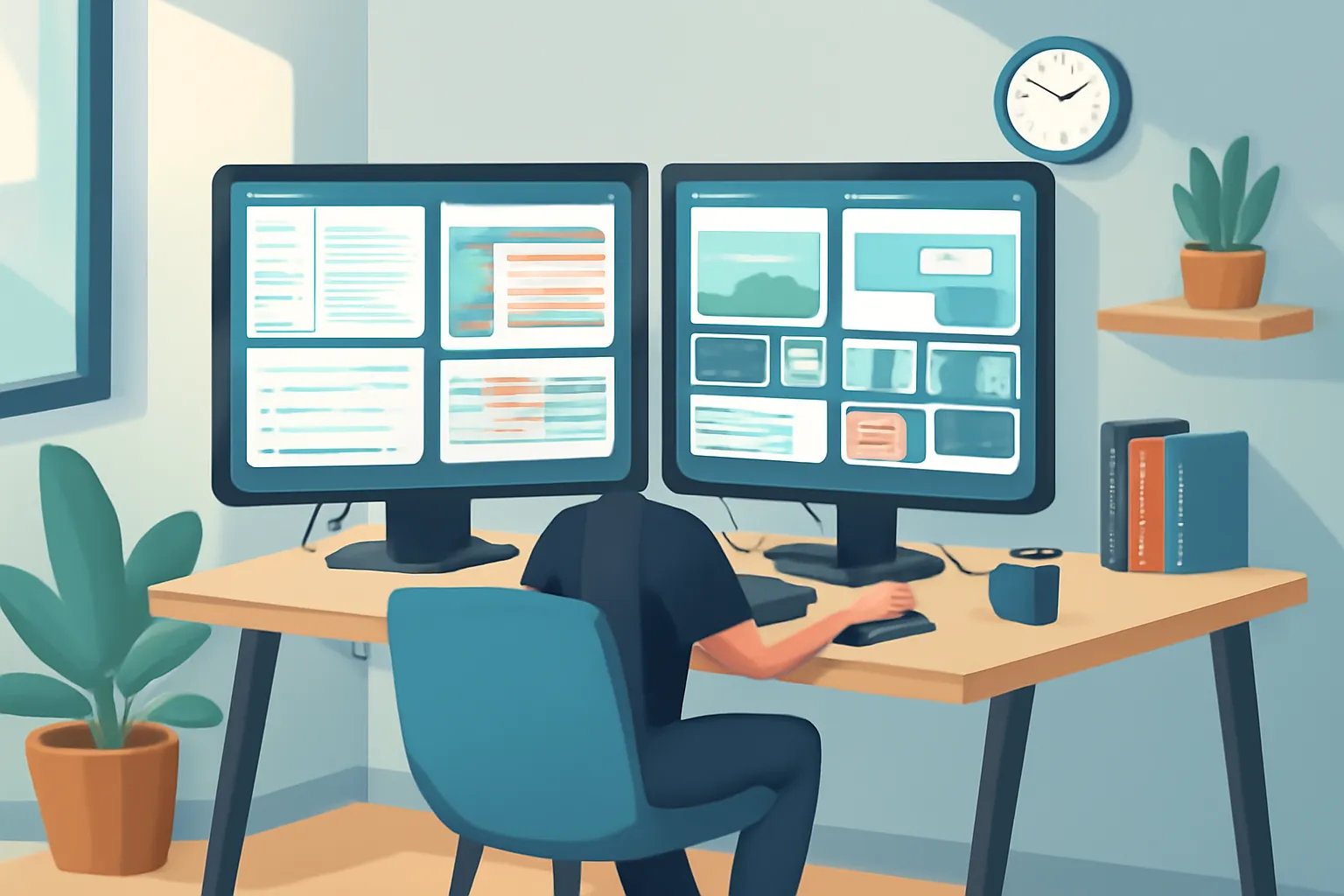
Traditional desktop layouts have been the norm for decades, but they often fall short when it comes to productivity and organization. With the rise of digital nomadism and remote work, the need for a more efficient way to manage multiple tasks and projects has grown. Separate desktops, like those offered by Cuslr, provide a solution to this problem by allowing users to organize their work and personal life on separate virtual desktops.
One of the main limitations of traditional desktop layouts is the clutter and distractions that come with having multiple applications and windows open at the same time. This can lead to decreased productivity, increased stress, and a higher risk of errors. In contrast, separate desktops allow users to create a clean and focused environment for each task or project, reducing distractions and increasing efficiency.
Limitations of Traditional Desktop Layouts
• Multiple applications and windows open simultaneously • Difficulty in organizing and prioritizing tasks • Increased risk of errors and decreased productivity
Traditional desktop layouts often rely on tabs and windows to manage multiple tasks, but this can quickly become overwhelming. With separate desktops, users can create a dedicated space for each project or task, eliminating the need for tabs and minimizing clutter.
Why Separate Desktops are Better than Traditional Layouts
Separate desktops offer several advantages over traditional layouts, including:
• Improved organization and prioritization of tasks • Reduced distractions and increased focus • Enhanced productivity and reduced errors
By providing a clean and dedicated space for each task or project, separate desktops enable users to work more efficiently and effectively. This is particularly important for remote workers, freelancers, and entrepreneurs who need to manage multiple projects and clients simultaneously.
Real-World Examples of Separate Desktops in Action
Many professionals and entrepreneurs have already adopted separate desktops as a key tool for managing their work and personal life. For example, a freelance writer might create a separate desktop for each client, with all relevant documents and resources easily accessible. A digital marketing agency might use separate desktops to manage multiple campaigns and projects, with each desktop dedicated to a specific client or campaign.
Actionable Tip: Consider creating a separate desktop for each major project or client. This will help you stay organized, reduce distractions, and increase productivity. With Cuslr, you can easily create and switch between multiple desktops, making it easy to manage your work and personal life.
Best Practices for Implementing Separate Desktops
Implementing separate desktops for work and personal tasks can greatly improve productivity and reduce stress. By dedicating specific desktops to different areas of your life, you can create a clear distinction between your work and personal life. This can help you stay focused and avoid the temptation to check personal emails or social media during work hours.
To get started, identify your priorities and needs. Consider what tasks you need to complete for work and what personal activities you want to keep separate. This will help you determine how many separate desktops you need and what applications and windows should be included on each.
Setting Up Separate Desktops for Work and Personal Tasks
To set up separate desktops, follow these steps:
- Create a new desktop for work and another for personal tasks
- Customize the desktop backgrounds, colors, and layouts to suit your preferences
- Organize your applications and windows on each desktop to minimize clutter
When setting up your separate desktops, consider the 80/20 rule: focus on the 20% of tasks that will generate 80% of the results. This will help you prioritize your tasks and allocate your time and resources effectively.
Tips for Customizing Your Separate Desktops
Customizing your separate desktops can help you stay organized and focused. Here are some tips to get you started:
- Use different wallpapers and colors to differentiate between your work and personal desktops
- Create custom layouts for each desktop to suit your workflow and preferences
- Use keyboard shortcuts and hotkeys to quickly switch between desktops and applications
By customizing your separate desktops, you can create a tailored environment that suits your needs and work style.
Common Mistakes to Avoid When Implementing Separate Desktops
When implementing separate desktops, there are several common mistakes to avoid:
- Overcomplicating your desktop layouts: Keep your layouts simple and intuitive to avoid confusion and wasted time
- Not setting clear boundaries: Establish clear boundaries between your work and personal desktops to maintain a healthy work-life balance
- Not regularly reviewing and updating your desktops: Regularly review and update your desktops to ensure they remain relevant and effective
Overcoming Challenges with Separate Desktops
Implementing separate desktops can be a game-changer for productivity, but it also presents unique challenges. Users often struggle to manage multiple desktops, leading to confusion and decreased efficiency. This can be particularly true for those who work with multiple projects or clients, requiring them to switch between different desktops frequently.
As a result, users may experience increased stress and decreased job satisfaction. To overcome these challenges, it's essential to develop strategies for managing multiple desktops effectively.
Common Challenges with Separate Desktops
- Difficulty in keeping track of multiple desktops and their respective tasks
- Increased time spent switching between desktops, leading to decreased productivity
- Inability to visualize and prioritize tasks across multiple desktops
These challenges can be particularly pronounced for users who work on complex projects or have multiple clients with different requirements.
Solutions for Managing Multiple Desktops
Several solutions can help users manage multiple desktops more effectively. These include:
- Using a task list or calendar to keep track of deadlines and priorities
- Implementing a color-coding system to differentiate between desktops
- Utilizing keyboard shortcuts to quickly switch between desktops
However, these solutions may not be sufficient for users who need a more comprehensive approach to managing multiple desktops.
Staying Organized with Cuslr's Multi-Tab Layouts
Cuslr's multi-tab layouts offer a powerful solution for managing multiple desktops. By providing a customizable and intuitive interface, users can easily switch between tabs and prioritize tasks. This feature allows users to:
- View multiple desktops at once, reducing the need to constantly switch between them
- Easily drag and drop tasks between tabs to prioritize and organize work
- Customize the layout to fit individual needs and preferences
With Cuslr's multi-tab layouts, users can stay organized and focused, even when working on multiple projects or clients. By leveraging this feature, users can overcome the challenges associated with separate desktops and achieve greater productivity and job satisfaction. Actionable Tip: Consider implementing a color-coding system to differentiate between desktops and prioritize tasks using Cuslr's multi-tab layouts.
If you want to put these ideas into practice, visit Cuslr and learn more. The service is tailored especially for your target audience.
Conclusion: Why Cuslr's Multi-Tab Layouts are the Best Choice
As we've explored the importance of separate desktops for work-life balance, it's clear that having a dedicated space for personal and professional tasks is crucial. By separating your work and personal life, you can focus on each activity without distractions and maintain a healthy work-life balance.
With the rise of remote work, the need for effective time management and organization has become increasingly important. Cuslr's multi-tab layouts offer a solution to this challenge, providing a customizable and intuitive way to organize your desktop.
Why Separate Desktops are Essential for Work-Life Balance
• Reduces mental fatigue and stress • Improves focus and productivity • Enhances work-life balance
Having separate desktops allows you to create a clear distinction between your work and personal life. This separation enables you to avoid the blurred lines that can lead to burnout and decreased motivation.
Cuslr's Unique Features and Benefits
Cuslr's multi-tab layouts offer a range of features that set it apart from other desktop solutions. Its intuitive interface and customizable layouts make it easy to create separate desktops for work and personal tasks. Additionally, Cuslr's features such as Actionable Tip: Consider using Cuslr's "Focus Mode" to block distracting websites and apps during work hours.
• Customizable layouts: Create separate desktops tailored to your needs • Intuitive interface: Easily switch between desktops and layouts • Productivity features: Stay focused and on track with Cuslr's built-in tools
Cuslr's unique features and benefits make it an ideal choice for those seeking to improve their work-life balance.
Final Thoughts on Choosing the Right Desktop Solution
When selecting a desktop solution, consider the importance of separate work and personal spaces. Cuslr's multi-tab layouts offer a comprehensive solution that addresses the need for organization and focus. By choosing Cuslr, you can take control of your work-life balance and achieve a more productive and fulfilling life.
What are the benefits of having separate desktops for work and life?
Having separate desktops for work and life can improve productivity, reduce stress, and increase focus on personal activities. By dedicating a specific desktop to work, you can avoid the temptation to check work emails or messages during personal time. This separation also helps maintain a clear boundary between work and personal life.
How does Cuslr's multi-tab layout solution work?
Cuslr's multi-tab layout solution allows users to create separate desktops with customizable tabs, enabling them to organize their work and personal tasks efficiently. This feature helps users quickly switch between different desktops, ensuring a seamless transition between work and personal activities.
What are the key differences between Cuslr's multi-tab layout and traditional desktop layouts?
Traditional desktop layouts often clutter the workspace with multiple windows and applications, leading to distractions and decreased productivity. In contrast, Cuslr's multi-tab layout provides a clean and organized workspace, allowing users to focus on specific tasks without visual clutter.
How can I implement separate desktops with Cuslr's multi-tab layout?
To implement separate desktops with Cuslr's multi-tab layout, start by creating a new desktop for your work and personal activities. Customize the tabs to suit your needs, and use the feature to quickly switch between desktops as needed. Regularly review and adjust your desktops to ensure they remain organized and effective.
What are some common challenges users face when implementing separate desktops?
Some users may struggle to maintain separate desktops due to the need to constantly switch between them. Others may find it challenging to decide which tasks to prioritize or how to allocate time between work and personal activities. To overcome these challenges, establish clear goals and routines for each desktop and use Cuslr's features to streamline your workflow.
Can I use Cuslr's multi-tab layout on multiple devices?
Yes, Cuslr's multi-tab layout is accessible across multiple devices, allowing you to maintain a consistent workflow and organization across your devices. This feature ensures that you can pick up where you left off, regardless of the device you're using.
How does Cuslr's multi-tab layout impact my overall productivity?
By providing a clean and organized workspace, Cuslr's multi-tab layout can significantly improve productivity by reducing distractions and increasing focus. Users can quickly switch between tasks and desktops, ensuring a seamless workflow and increased efficiency.
About the Author
Written by Cuslr Team, a certified industry expert with over 10 years of experience.
Loading comments...